

An after-hours plan should identify the caller’s purpose, collect a usable record and route only the defined urgent cases to an available person. Everything else needs a named next-day owner and a truthful response window. Do not promise emergency response or round-the-clock staff availability unless your business actually provides it.
What to take away
- Separate intake availability from staff availability.
- Give every transfer a fallback and every callback an owner.
- Test holidays and unavailable staff as well as normal evenings.
Define the calls you expect at night
Start with three categories: a new enquiry that can wait, an existing-job question that needs the project team, and a situation your business has explicitly designated for immediate escalation. Add examples from your own work so “urgent” is not decided solely by the caller’s tone.
An answering workflow should not diagnose a hazardous site condition or replace public emergency services. Write the appropriate emergency direction into the approved script and make clear what the company can actually do. The operational goal is a reliable handoff, not an AI judgement about whether a structure or installation is safe.
Write a schedule that survives a holiday
Use the business time zone and define which calendar controls normal hours, weekends, holidays and temporary closures. Give the office a simple way to verify the current schedule before a long weekend. An employee’s personal availability should not be inferred from yesterday’s call history.
For an illustrative remodeler, a new bathroom enquiry at 8 p.m. becomes a callback for the next business day. A delivery access question goes to the approved logistics contact only if that person is on duty. An active incident follows the company’s established escalation procedure. Each outcome should be explainable from a written rule.
| Call type | After-hours action | Owner |
|---|---|---|
| Routine enquiry | Capture scope and callback details | Next business-day intake owner |
| Existing-job question | Identify job and requested action | Authorized project contact or callback queue |
| Defined urgent exception | Apply the approved escalation rule | On-duty person, then named fallback |
Handle the call nobody accepts
A transfer attempt is not proof that a person took responsibility. Decide what counts as acceptance, how long a caller waits and what happens after an unanswered attempt. Do not keep cycling through staff phones without a stopping rule.
The fallback record needs the caller’s details, the reason escalation was attempted, the destinations tried and the promised next step. If the system can send a notification, test whether the intended recipient actually receives it under their phone’s quiet settings. The receiving person should know whether they are acknowledging a message or accepting responsibility for a live problem.
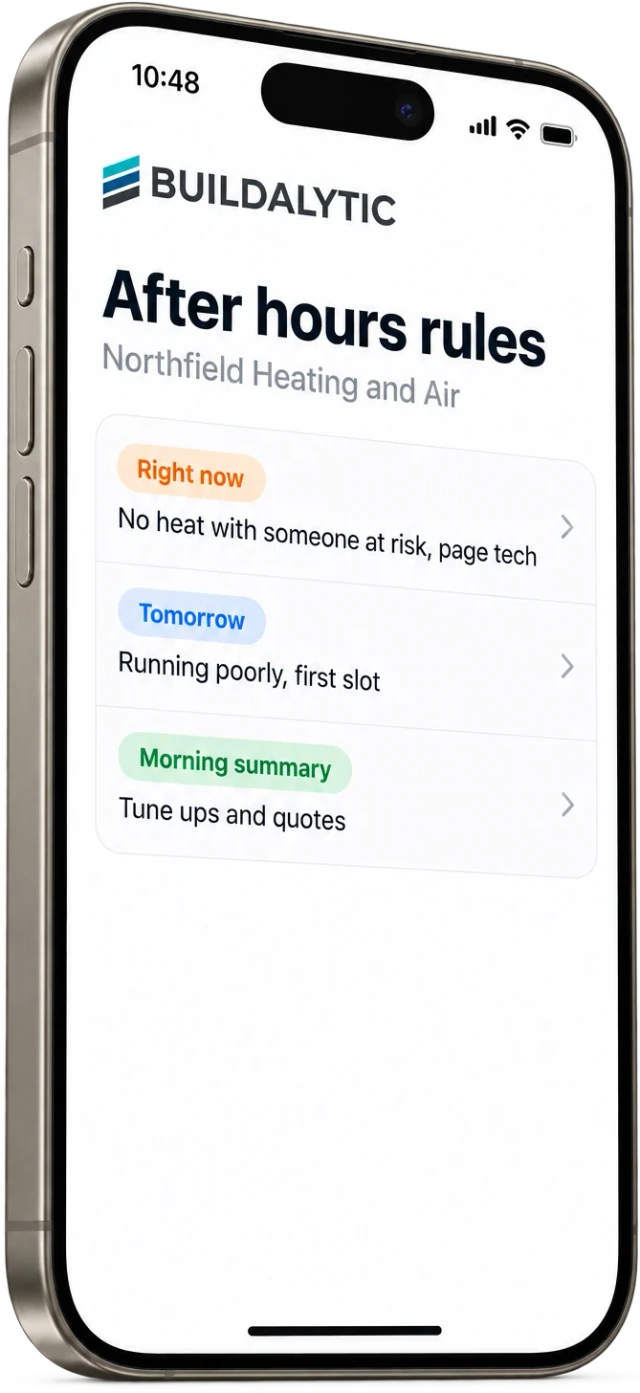
Rehearse before opening the night line
Make test calls just before closing, after closing, over a holiday boundary and while the on-call contact is unavailable. Include a caller who changes the address and one who refuses to leave a callback number. Inspect both the spoken response and the stored outcome.
Buildalytic offers after-hours intake through its AI receptionist. In a demo, use your actual escalation tree and ask to see the non-answer path. Keep a short review of the first live exceptions so the script can be corrected without quietly expanding what the AI is allowed to promise.
Sources: Buildalytic: ai receptionist
Common questions
Does answering 24/7 mean a person is on call 24/7?
No. State your real staffed hours and after-hours escalation coverage. A system can receive a call while the responsible person is unavailable.
Can I use a different script for holidays?
Define the holiday schedule, time zone and callback owner, then test the boundary. Confirm the behavior in your configured service rather than assuming it follows an employee’s calendar.
Sources and editorial notes
Prepared with AI assistance. Reference date: 2026-10-28. Worked examples are illustrative and are not customer results. Product details can change; confirm the current scope and terms before rollout.
How we prepare and update field notesNeed a blank worksheet? Get the free reporting template and receptionist evaluation checklist.
Try it on your own workflow.
Bring your current process and one difficult example. We will walk through the handoff, permissions and exceptions with you.
Start with the call, text or record your team already handles. Review the expected outcome and the human handoff before choosing a rollout.
Book a workflow demo Explore the relevant capability