

A subcontractor is ready under your start process when the planned date, scope, responsible contact, people, access and required reviews are confirmed. Track unresolved items with an owner and due time. A crew list or received document alone should not imply that every start requirement has been cleared.
What to take away
- Keep planned, confirmed and blocked starts distinct.
- Use document-review outcomes rather than a count of uploaded files.
- Reconfirm material changes before relying on an old acknowledgement.
Create a start record for the actual scope
Identify the project, subcontractor, scope or work area, intended start and the person who can confirm attendance. A company may be ready for one scope but not another. Use the project’s requirements rather than a universal checklist that pretends every trade and site works the same way.
Write what must be confirmed and who can resolve each item. A start coordinator can collect the answers without assuming authority over insurance review, qualifications or site-safety decisions. Keep the decision roles visible so a completed administrative task does not accidentally become permission to begin work.
Confirm the dependencies together
Illustrative start: a subcontractor confirms Tuesday and three workers, but the access contact is absent and a required document is under review. The useful status is planned with blockers, not ready. The project owner can then decide what to resolve or whether the start must change.
| Dependency | Confirm | Responsibility |
|---|---|---|
| Date and scope | Current date, area and expected work | Subcontractor contact and project owner |
| People | Expected team and responsible supervisor | Authorized subcontractor representative |
| Access | Arrival location, permitted hours and contact | Site access owner |
| Documents | Required submissions and review outcomes | Designated qualified reviewer |
| Predecessors | Work area and dependencies available | Responsible project team |
| Blockers | Open question, owner and next check | Start coordinator tracks resolution |
Keep the latest confirmation identifiable
If the date, area or access instruction changes, ask the relevant contact to confirm the current version. Do not count an acknowledgement of Monday’s plan as confirmation of Thursday’s revised start. Store the update where the office and site team can find it.
When a subcontractor delegates to another supervisor, confirm the new contact through the approved process. Avoid sharing private worker or document information with an unverified number. If a person says “we are ready except for one thing,” record that exception plainly and assign the next action rather than summarizing the reply as yes.
Use a blocked start as the demonstration
A useful test includes one unavailable contact, one missing review and one changed start time. Ask the system to show what is confirmed and what remains blocked. Check that reminders stop once an issue is resolved and that a later change reopens only the relevant confirmation.
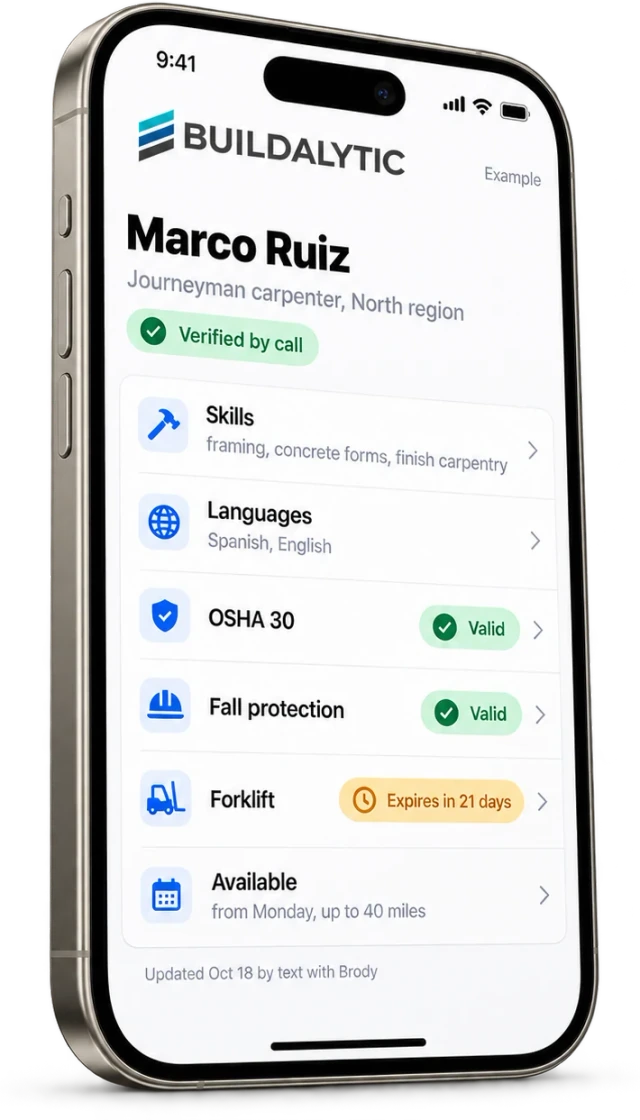
Buildalytic’s workforce-profiles page describes keeping people and availability information current. Connect that information to the project’s start process deliberately. In a demo, ask which facts come from the person, which were reviewed and which remain assumptions. Keep start authorization with the roles your project requires.
Sources: Buildalytic: workforce profiles
Common questions
Does an available worker mean the subcontractor is ready?
No. Availability is one input. Scope, access, documents, dependencies and required approvals may still be unresolved.
Should one missing item block every start?
Apply your project’s authorized requirements and exception process. Record the decision and responsible person rather than allowing the software to invent a universal rule.
Sources and editorial notes
Prepared with AI assistance. Reference date: 2026-10-28. Worked examples are illustrative and are not customer results. Product details can change; confirm the current scope and terms before rollout.
How we prepare and update field notesNeed a blank worksheet? Get the free reporting template and receptionist evaluation checklist.
Try it on your own workflow.
Bring your current process and one difficult example. We will walk through the handoff, permissions and exceptions with you.
Start with the call, text or record your team already handles. Review the expected outcome and the human handoff before choosing a rollout.
Book a workflow demo Explore the relevant capability