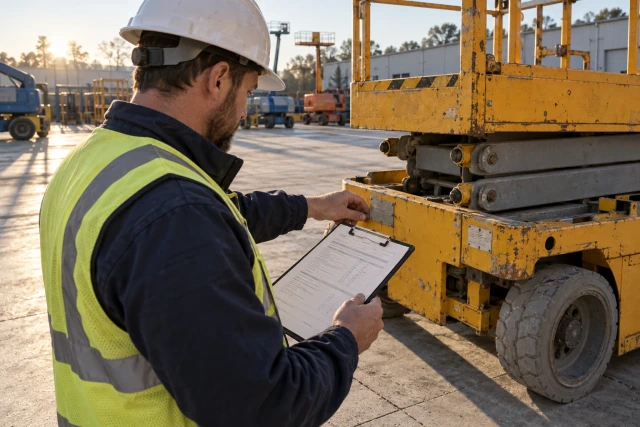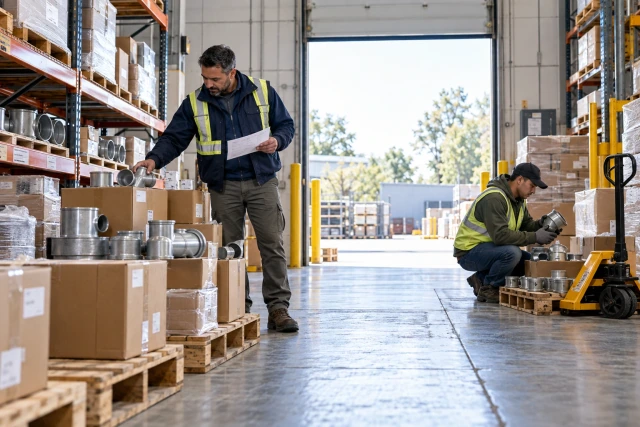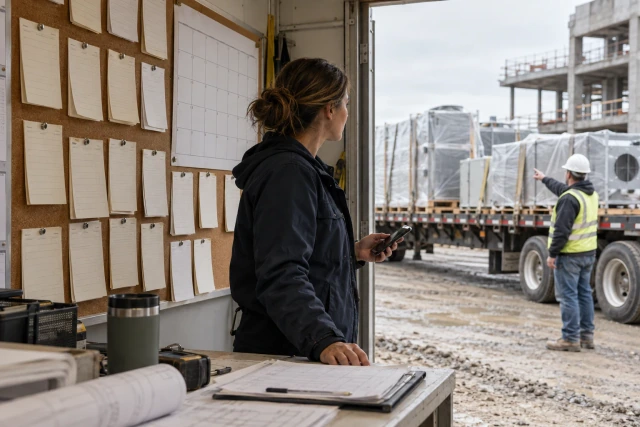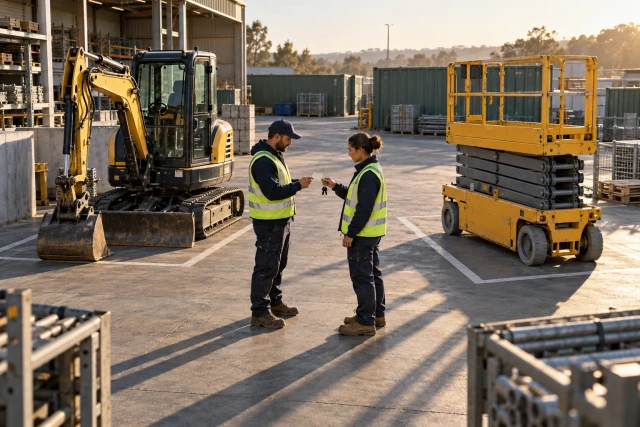
A useful equipment register keeps ownership, physical location, job assignment, condition and commercial status separate. Owned equipment needs an accountable asset history; rentals also need supplier, agreement and return references. Test the system with a transfer, a maintenance hold and a pickup request that has not yet resulted in collection, then inspect the evidence behind each state.
What to take away
- Track who owns an asset separately from where it is and whether it is available.
- Keep pickup requested, physically collected and commercially closed distinct.
- Inspect source age and exceptions alongside any location signal.
- Test the field, yard, shop and office handoffs using the same assets.
Start with the mixed-fleet questions you cannot answer
A yard list can show the right number of machines while leaving the dispatcher unable to assign one. An owned lift may be present but awaiting maintenance. A rented machine may still be on site after a pickup request. A subcontractor's asset may be visible on the job without being available for your crew. These situations need different records and different next actions.
Write the operational question before comparing dashboards. For example: “Which suitable asset can we send to the north job tomorrow, and who has confirmed it is available?” That question requires more than a map pin. It needs identity, assignment, condition, intended use and an accountable confirmation under your process. Decide which person must be able to answer it.
Use the same small asset set across every candidate. Include one owned asset, one rental and one third-party asset that your team can observe but does not control. Ask field, yard, shop and office users to perform their actual tasks. A demonstration from an administrator's account alone may conceal the handoff that creates the most work in your operation.
Give ownership and asset identity their own fields
Use a stable internal asset reference and retain serial number, supplier reference or rental-unit identifier where applicable. A description such as “small lift” is useful in conversation but insufficient when several similar units move between jobs. Keep the physical machine connected to the correct record when a supplier substitutes another unit or a temporary label is replaced.
Make ownership explicit: company-owned, rented, leased or third-party under the categories your team uses. Record the responsible organization and the person maintaining the record. Ownership does not establish permission to operate, current custody or availability. Those decisions and states need their own sources rather than being inferred from the owner field.
For rentals, connect the specific asset to its supplier, agreement reference, job assignment and receiving account. Preserve both the commercial description and the actual unit received. If the supplier exchanges the machine, retain the relationship instead of overwriting the first unit's history. This helps the office reconcile later return, damage or invoice questions without relying on a foreperson's memory.
Keep the important states independent
Separate location, assignment, condition and commercial status. A machine can be at the yard, assigned to next week's job, held for inspection and still carry an open rental account. A single status called “active” cannot express all of that. Give the dispatcher and office a way to see the relevant combination without making one department's update erase another's information.
Use source and time with each significant state. A confirmed handover, last reported location, telematics observation and intended dispatch are different kinds of evidence. Label them accordingly. If a device stops updating, the last observation should not silently become a fresh confirmation that the asset is still present and ready for use.
The following is a proposed management structure rather than a universal industry data standard. Adapt the labels to your actual responsibilities and system. The acceptance test is whether a second user can explain the asset's current situation from the record and identify what still needs confirmation.
| Dimension | Example state | Evidence to inspect |
|---|---|---|
| Ownership | Rented from supplier | Agreement and unit reference |
| Physical location | East job receiving area | Dated receiving or location record |
| Assignment | Reserved for north job | Authorized allocation and dates |
| Condition | Held for review | Inspection or maintenance reference |
| Commercial status | Pickup requested; closure unresolved | Request, collection and supplier records |
Compare tracking, management and coordination separately
Some tools concentrate on location, while broader asset platforms cover assignment, maintenance and reporting. Existing project and accounting systems may hold related records without serving as a field asset register. A custom coordination workflow can gather missing confirmations around those systems. Decide which part of the process you need before assuming every option should replace the others.
Tenna provides an established mixed-fleet example. Its official asset-management page advertises owned and rented asset records, location tracking, utilization, maintenance and field workflows, using tracking approaches including GPS, BLE and QR. Treat those as vendor-advertised capabilities to investigate, not this guide's independent results or a guarantee that every signal and integration fits your assets.
Ask each evaluator to identify what is native, configured, connected through another system or manual. Record the hardware required and who installs and maintains it. If a proposal includes a coordination layer rather than telematics, assess the confirmation and exception tasks it actually performs. A phone-based status collection workflow should not be presented as a substitute for an unprovided physical tracking device.
Sources: Tenna official construction asset-management overview
Run a three-asset handover pilot
Use fictional assets O-14, R-32 and T-7. O-14 is company-owned and physically in the yard, but the shop has placed it on a maintenance hold. R-32 is a rented lift at the east job with pickup requested but not confirmed collected. T-7 belongs to another contractor and is present at the north job without an allocation agreement for your crew.
Ask the dispatcher which asset is available for tomorrow's assignment and require a source for the answer. The correct pilot outcome is not an automatic selection from those three incomplete states. The team must resolve the relevant hold, pickup or authorization question. This tests whether the system exposes the missing decision rather than making the list look dispatch-ready.
Then create an authorized transfer of a suitable test asset between two locations. Have one user release it and another confirm receipt. Inspect the sending and receiving states and the point at which custody changes under your process. A planned move should remain distinguishable from a completed handover, particularly when the driver or receiving contact cannot yet confirm arrival.
Track pickup requests through the actual return evidence
A pickup request begins a handoff; it does not prove a machine left the site. Record who requested collection, which unit and location the request concerns, the supplier reference and the response. Preserve the actual agreement and any stated conditions that govern the commercial process. Do not make a software label determine when charges must stop.
In the pilot, let the supplier acknowledge R-32's pickup request without giving a collection date. The system should retain the unresolved commitment and assign the next action. When collection is confirmed, connect the physical event and any receiving or return evidence to the same unit. Keep a later invoice or credit question separate if it remains open.
Test the common location mismatch: the request lists the main gate, but the machine was moved to another approved collection area. Ask how the updated location reaches the responsible person and how the original request remains traceable. Another reminder with the old location can create activity without completing the return. The record should make the needed correction apparent.
Connect condition and maintenance to availability
A location signal cannot establish that a machine is suitable for dispatch. In the test, O-14 remains on hold until the responsible shop process records the appropriate decision. Ask who can change that state and what source they must provide. The asset should not become available merely because another user changes its job assignment or moves it across a geofence.
Keep reported damage, an inspection request, maintenance work and a release decision distinguishable. A field photo may support the report without constituting an inspection or authorizing operation. Route the record to the person responsible under your actual process. The tracking workflow should help that person find the relevant information rather than make an unsupported safety determination.
Include attachments and related components in the pilot. A machine may be ready while the required attachment is missing, assigned elsewhere or under a separate hold. Ask how the proposed package is represented and who confirms it is complete for the intended assignment. Evaluating the whole dispatch package can reveal gaps that a machine-only demonstration avoids.
Keep operating evidence distinct from commercial calculations
Identify the quantities each report actually represents: assigned days, engine hours, reported operating time, rental duration or another measure. They answer different questions. A machine's presence on a project is not automatically its productive use, and an engine-hour observation is not by itself the basis for every charge. Give each measure a definition and source.
For owned equipment, inspect how approved internal allocation or costing information connects to the asset and job. For rentals, connect the invoice period and unit reference to the agreement and return evidence. Have the appropriate finance reviewer assess the applicable treatment. The tracking register should support reconciliation rather than invent accounting rules from a location history.
Test a later correction. If a unit was assigned to the wrong job, ask how the authorized change is recorded and how connected systems receive it without a duplicate or unexplained overwrite. Preserve the prior value and the correction source. A polished cost dashboard has limited value when the office cannot trace the numbers to the underlying operational records.
Score evidence and handoffs alongside features
Use observable tasks in the comparison: identify an unavailable asset, complete a two-party handover, resolve an uncertain pickup, distinguish stale location data and reconcile a unit exchange. Have the actual users perform them with their ordinary access. Record vendor assistance and manual work separately so the evaluation reflects the effort your team will need after implementation.
Request a written scope covering software, hardware, installation, connectivity, replacements, training, integrations, ongoing administration and export access. Confirm which devices and asset types are included. A low subscription figure is not a complete comparison if the proposed tracking approach requires additional equipment or the team must manually maintain several inconsistent registers.
Measure your own baseline: time to locate a suitable available asset, unresolved handovers, rental-return exceptions and reconciliation effort. Use the pilot to test whether the proposed workflow improves those tasks. Do not turn a vendor customer story into a promised saving for your fleet. Clear starting data and a defined acceptance standard make the result easier to assess.
Begin with one equipment handoff you can prove
Start with a defined asset class, a small set of locations and named owners for dispatch, receiving, maintenance and commercial follow-up. Reconcile the starting list before introducing automation. Otherwise, an initial cleanup can look like a product effect when the team simply corrected missing or inconsistent records.
Review exceptions after the first operating cycle. Identify which questions needed a person, which source was missing and which status was misunderstood. Refine the handoff before adding more projects. The useful outcome is that the next operator can explain where the asset is, what it is assigned to, whether a hold remains and who must act next.
For a Buildalytic demo, bring a redacted equipment request and one return or handover thread that remained unresolved. Its custom-workflows offering provides a starting point for discussing confirmation and exception follow-up around your existing register. Ask to map the proposed intake, responsible person, source preservation and escalation path, then confirm the implementation scope.
Sources: Buildalytic custom workflows
Common questions
Can one register include rented and owned equipment?
Yes, if it preserves ownership and the additional rental references without flattening every asset into the same commercial state. Test assignment, condition, location and return workflows with representative assets from both groups.
Does pickup requested mean a rental is closed?
Keep the request, supplier response, physical collection and commercial closure distinct. Use the actual agreement and responsible review to determine the applicable charges and required evidence.
Does a map pin prove equipment is available?
No. Check the age and source of the location signal, current assignment, condition and any required release. An asset can be physically present while unavailable for the intended work.
Should we require GPS on every asset?
Choose the tracking method against the asset and operational question. Evaluate the actual hardware, connectivity, update behavior and field confirmation process. Do not assume the same method fits every machine, attachment and tool.
Sources and editorial notes
Prepared with AI assistance. Reference date: 2026-10-29. Worked examples are illustrative and are not customer results. Product details can change; confirm the current scope and terms before rollout.
How we prepare and update field notesClose the equipment handoff your team keeps chasing
Bring a redacted assignment, handover or pickup request. Map a proposed Buildalytic workflow that collects the missing confirmation, preserves its source and routes the next action around your existing equipment records.
Start with the call, text or record your team already handles. Review the expected outcome and the human handoff before choosing a rollout.
Bring an equipment workflow Explore the relevant capability