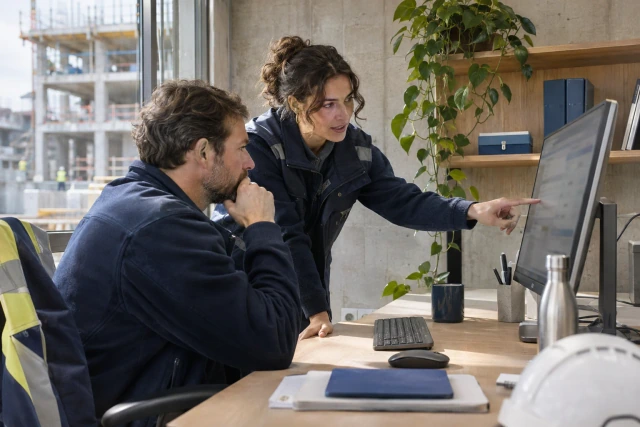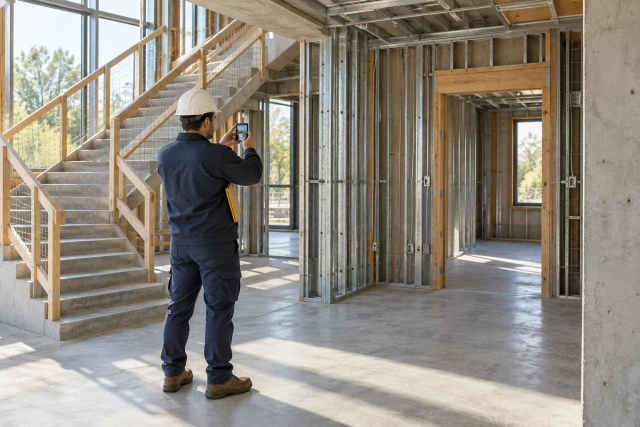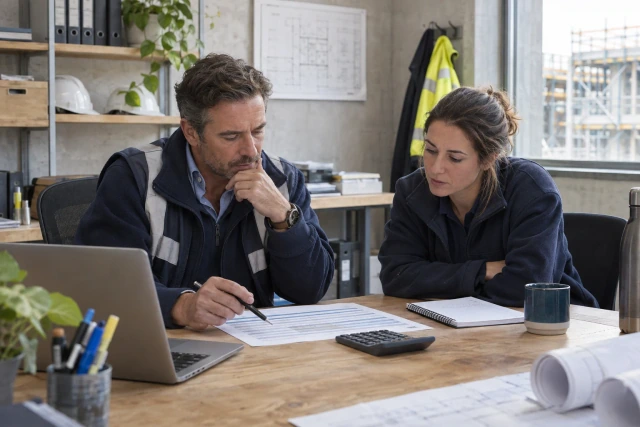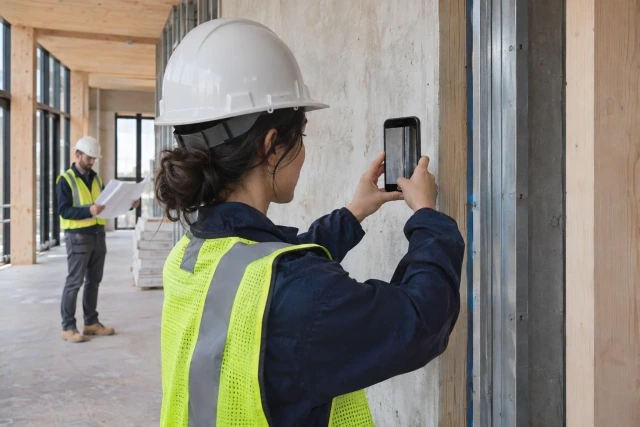
A useful photo-supported RFI identifies the location, governing document, observed issue and decision needed. The photo shows context; the written question explains why the existing information does not resolve the work. Keep observations, interpretations and proposed options separate. Buildalytic offers field-photo capture and RFI preparation workflows.
What to take away
- Write one sentence describing what the field team cannot determine from the current documents.
- Record project, building, floor, room or grid reference and the work area.
- List the drawing number, detail, specification section and revision relevant to the question.
- Use a few relevant attachments instead of an unfiltered photo dump.
The Buildalytic workflow
Buildalytic offers field-photo capture and RFI preparation workflows. Its workflow offering connects job photos, source-backed project information and clarification follow-up so the project team can prepare and review the question. The steps, contacts, approvals and record destinations are agreed with your team during setup.
Do not send a collection of images and expect the reviewer to infer the question. Assemble a small, source-linked packet that lets the recipient understand the issue without visiting the site or reconstructing an entire message chain.
Sources: workflow offering; custom workflows
Start with the unresolved decision
Write one sentence describing what the field team cannot determine from the current documents. For example: “Please clarify the specified detail at the east corridor opening where the referenced drawing and observed condition differ.” Replace the generic language with the actual project facts.
Avoid an accusation as the opening. The purpose is to obtain a reviewable decision, not establish blame from a single photo. If there may be a scope, cost or schedule consequence, record it through the project's process without presenting an unreviewed conclusion as settled.
Check whether an existing RFI or formal answer already covers the issue. A duplicate request can fragment the record and produce conflicting responses. Link the relevant history rather than restarting the conversation under a new number.
Capture a location the reviewer can recognize
Record project, building, floor, room or grid reference and the work area. Use identifiers consistent with the drawings and project records. “Near the back door” may be clear to the foreman and meaningless to the designer.
Photograph from a safe position and follow site rules. Capture a wider context view and a closer detail when appropriate. The wider view explains where the detail belongs; the close image shows the issue being discussed.
Do not use a photograph to assert a dimension or hidden condition it does not establish. If measurement or specialist investigation is needed, identify that as a separate fact-gathering task. A clear image is useful evidence, not a substitute for every technical check.
Identify the document and revision
List the drawing number, detail, specification section and revision relevant to the question. Link to the authorized source rather than attaching an old copy from a personal phone without checking it.
If two sources appear inconsistent, state both references and the exact point of conflict. Do not describe the whole set as “wrong.” A narrow description helps the reviewer find and answer the issue.
The Procore RFI creation documentation describes its formal record and question workflow. Use the current documentation for system behavior and your project's process for who prepares and submits the request. The packet structure here is an editorial preparation aid.
Sources: Procore RFI creation documentation
Build a concise evidence packet
Use a few relevant attachments instead of an unfiltered photo dump. Keep originals and identify any annotated copies. A markup should explain the question without obscuring the source image.
| Component | What it should establish |
|---|---|
| Context photo | Where the observation sits in the work area |
| Detail photo | What is visible at the specific location |
| Source reference | Which current drawing or specification is relevant |
| Observation | What the team actually saw or could not determine |
| Question | The decision requested from the authorized reviewer |
| Required-by context | Which planned activity depends on the answer |
| Preparation review | Who checked the packet before formal submission |
A fictional doorway example
A foreman reports that the observed opening condition does not appear to match the detail the crew is using. The field engineer captures a corridor context photo, a close image and the location reference. The project engineer checks the drawing register and identifies the current relevant detail.
The draft request states the observation and asks the designer to clarify the required treatment at that location. It identifies the planned activity that depends on the answer. It does not instruct the crew to cut, install or modify anything based solely on the draft.
The designated reviewer checks whether the question is already answered elsewhere, whether the sources are current and whether the proposed language is clear. The formal request is then submitted through the approved process. The fictional example demonstrates packet quality, not an engineering solution.
State proposed options carefully
A proposed option can help a reviewer understand the question when your project process permits it. Label it as proposed and identify who prepared it. Do not present a suggestion as an approved design.
Keep the requested decision explicit even when an option is attached. “See sketch” is not a complete question. Explain what the reviewer is being asked to confirm or clarify.
If the team cannot formulate a reliable option, do not invent one to make the packet look complete. A well-supported description of the issue and a clear question can be more useful than an unsupported technical recommendation.
Explain the required-by date
Connect the date to a real planned activity or decision. “Urgent” without context does not help the recipient understand the consequence. Record the schedule reference and the person who confirmed the field need.
Keep preparation time, internal review and formal response time separate. An RFI that is drafted but never submitted has a different bottleneck from one awaiting an external answer.
When the date changes, update the relevant planning and follow-up records. Do not silently move the required-by date merely to remove an overdue flag. Preserve the change and the project decision behind it.
Review AI-assisted drafts against the evidence
AI can help organize the location, photo descriptions and source references. Check every material statement against the attachments and current documents. A model can turn an uncertain observation into a confident conflict if the prompt or source is incomplete.
Look for invented dimensions, omitted qualifiers and mismatched drawing revisions. The reviewer should be able to identify where each factual statement came from. If the source does not support it, revise the statement or gather the missing fact.
Preserve the difference between a photo caption and a technical conclusion. “Visible pipe near the opening” and “pipe violates clearance” require different evidence. The second should not appear simply because it sounds like a useful explanation.
Carry the answer back to the field
A returned answer needs the same location and source relationship as the question. Record the formal response and any linked document revision. Identify who reviews the implementation handoff.
Do not let the answer remain in an office inbox while the crew continues using the earlier record. Connect it to the relevant activity and communicate through the project's approved process. A message delivered is not proof that every affected person understood or implemented it.
Use the existing overdue-RFI guide for the later follow-up stage. This guide addresses the earlier task of producing an answerable request.
Sources: overdue-RFI guide
Test the process with Buildalytic
Buildalytic's photo capture, project knowledge and custom workflows support the observation-to-review handoff.
Bring a fictional photo set, current drawing and superseded drawing. Ask the system to preserve uncertainty, identify the source and route the draft for the proper review. The useful test is whether the packet is clear and traceable, not whether an AI can produce confident technical prose.
To put this Buildalytic workflow to work, discuss the setup with your project’s source records, responsible people and expected outcome. Use the checks in this guide to verify the agreed process before rollout.
Sources: workflow offering; project knowledge; custom workflows
Common questions
How many photos should an RFI include?
Enough relevant context and detail to support the specific question. More attachments do not automatically improve clarity.
Does a photo prove the design is wrong?
State what the image actually establishes and seek the required review for conclusions.
Is a drafted RFI submitted?
No. Keep preparation, approval for submission and formal submission as separate states.
Sources and editorial notes
- workflow offering
- Procore RFI creation documentation
- overdue-RFI guide
- project knowledge
- custom workflows
- Practitioner discussion: GC and subcontractor RFI preparation
Prepared with AI assistance. Reference date: 2026-11-02. Worked examples are illustrative and are not customer results. Product details can change; confirm the current scope and terms before rollout.
How we prepare and update field notesPut this workflow to work with Buildalytic
Bring your current records, contacts and review requirements. Buildalytic offers field-photo capture and RFI preparation workflows; we will agree the steps, approvals and record destinations with your team.
Start with the call, text or record your team already handles. Review the expected outcome and the human handoff before choosing a rollout.
Book a workflow demo Explore the relevant capability